


 Office 2013 / 2016 Course
Writing with Word, performing complex calculations with Excel, managing email with Outlook and creating
multimedia presentations with PowerPoint are the goals of this Microsoft Office base course
(Office 2013 and Office 2016).
It is aimed at anyone who wants to get comfortable with a PC and learn the core Office applications
for personal or work use.


COURSE FEATURES
Course Structure. Introduction.
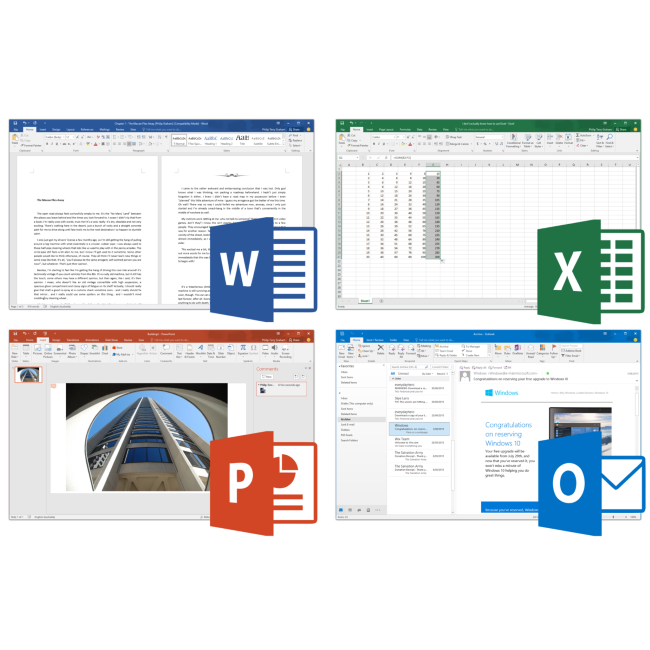
Word: course intends to provide participants with technical and creative skills for
create and manage complex documents, format text and paragraphs, create and fill tables, manage images
and objects of various kinds within documents, produce quality prints.
Excel: become autonomous in using the excel interface, and particularly at the end of path,
student will be able to fully utilize all the most important data analysis tools.
It will also be able to easily split itself into the world of functions, macros and graphics management for data processing
and to produce reports.
PowerPoint: course aims to train on skills needed to use this tool in a
efficient and communicative way, creating seminar documentation. At the end of course, user will be able
to use application to produce presentations that can contain graphic effects, diagrams, images, and animations.
Access: course target is to provide knowledge to create and manage your own data store (or database)
in Windows environment. Also with use and creation of tables and queries will be able to insert and
view data as well as print reports, and manage and store information.
Outlook: course analyzes all features of Microsoft Outlook 2016 program, from e-mail management
to schedule activities and calendar. Student will be able to exploit, all main features of Outlook 2016 software,
and manage e-mail and agenda independently without additional programs.
Schedule. Course detail.
Word
• Base concepts
• Formatting text and views
• Inserting objects
• Tools
Excel
• Basic concepts and functions
• Data management and statistical functions
• Logical functions
• Using Graphics and Images
PowerPoint
• Basic concepts and functionality
• Managing Slides
• Slide Layout and Inserting Objects
• Inserting Graphics
Access
• General facts
• Creating tables
• Masks
• Queries
• Reports
Outlook
• Outlook 2016 features
• E-mail and Views
• Sending and receiving
• Managing mail folders
• Junk mail
• Options
• Contacts
• Calendar
• Activities
• Interactions between sections

Teaching materials. All you need.
All necessary teaching materials will be provided, along with this course.
• Textbook / Dispensing Book.
• Slides.
• Examples.
• Development tools.
• Self-evaluation tests.
