 DOCSHARE 20 - Document management software for SMEs
DOCSHARE 20 is the simplified document management system for small and medium businesses.
It enables document exchange and provides user access control during editing.
It is designed to make business document management fast and lean.
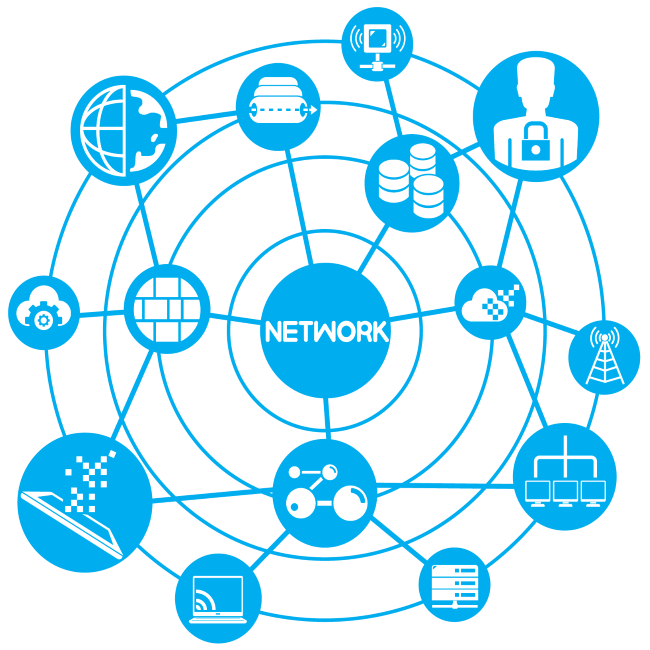
It can run on a local network or in the cloud.


DOCSHARE 20 FEATURES
How it works. Main strengths.
No paper use
Reducing number of copies and versions of documents results in simplification of organization and considerable paper savings.
User-specific
It is possible to control copy, print, document access for each user, obtaining complete control over the use of
shared document.
Safe
Document publishing is done through an encrypted protocol that delivers information from Server to Client safely.
Simple
It is easy to use, even for less experienced users who can instantly share document archive.
Customizable
Each version can be tailored to specific needs of user.
Cheap
Cost of licenses is based on your own needs and benefits of using product, pay for inventory.
Internet / Intranet
Documents can be shared on Internet (outside the company) or intranet (within the company).
Automatic
At a scheduled time, you can update the list of published documents.
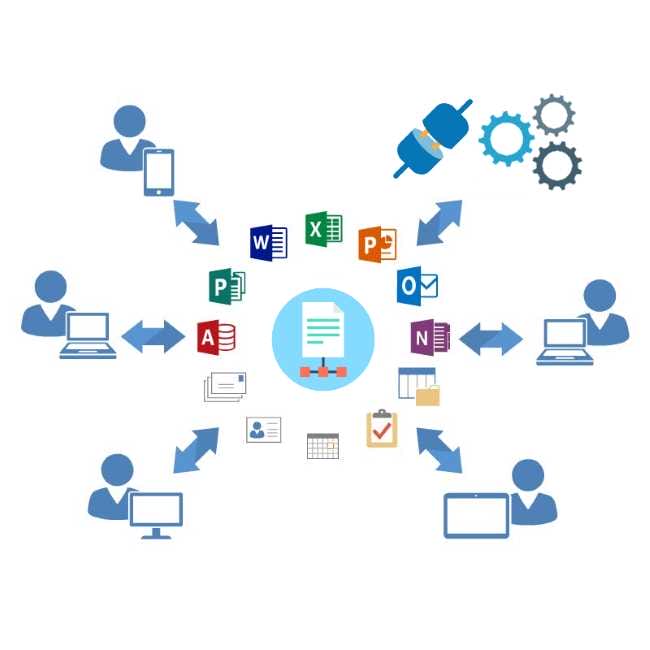
Plug In Engine. The flexible engine.
DocShare PlugIn Engine is a system that allows you to extend basic functionality flexibly.
Often, it is necessary to create specific capabilities in relation to individual departments or office needs;
We have designed a flexible software that creates sequence of operations applicable to a document.
Once you have defined the task you just do, add functionality in the application queue
of specific process.
For example, confirming the final version of a document, the auto-send email plug-in
may notify interested parties that a document is ready for further verifications.

Modules and Plugin. Customized to suit your needs.
DOCIMG
Converts documents from the original format to the publishing format.
SRVCMD
Receives commands from client and processes them.
DOCLBL
It manages association between user documents and status labels.
DOCSEARCH
Indexing and Search Engine in Documents (google style).
LDAPUSR
LDAP integration for user recognition when logging in.
PDFTOIMAGES
Convert PDF documents to publishable format.
JPGTOIMAGES
Convert JPG documents to publishable format.
MAILSENDONDOCUPDATE
Send mail to users who have access to a folder if a document is inserted, modified or deleted.
MAILSENDONLOGIN
Send a security email to you when you log in.
DOCSTATEUPDATE
Keeps updated document table and associated update status.
Managing access to documents:
Locking and Unlocking by Users.
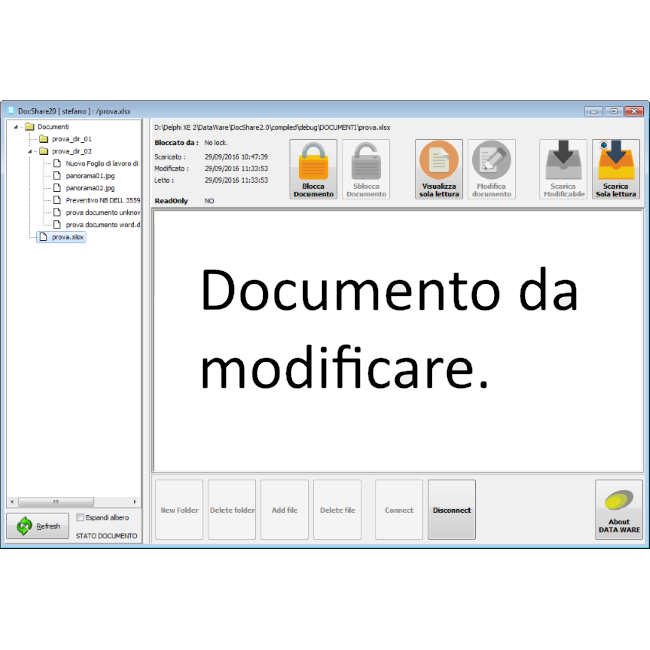
On one screen, there is all the handling of shared documents.
To the left is documents tree divided into folder and subfolders,
navigable easily by expanding or closing each node.
Above, access to a single document, through access management features, active
or disabled, depending on document state itself .
In the center, preview, to verify congruity of document
we want to manage.
Below connection management, and functions for creating or removing
of files or folders shared with other users.
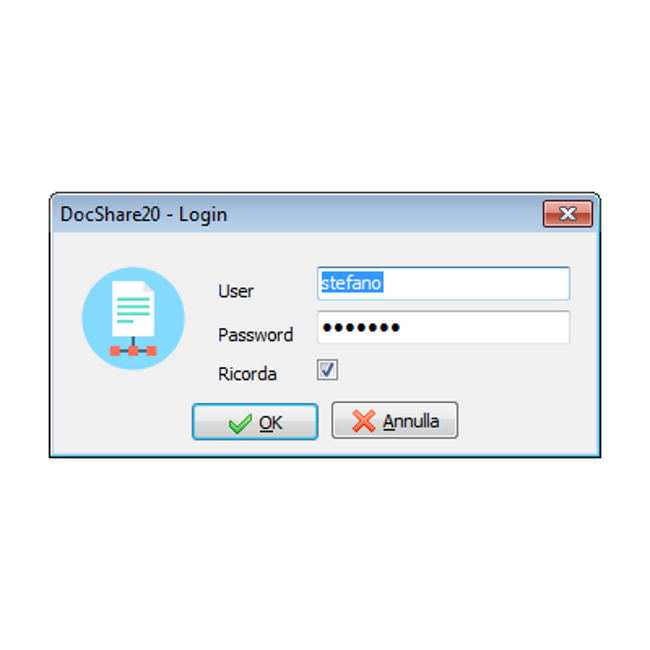
User Access. Login.
Each user to access must use his / her account (user / password).
It is possible to follow step by step trend of imports with status and error display.
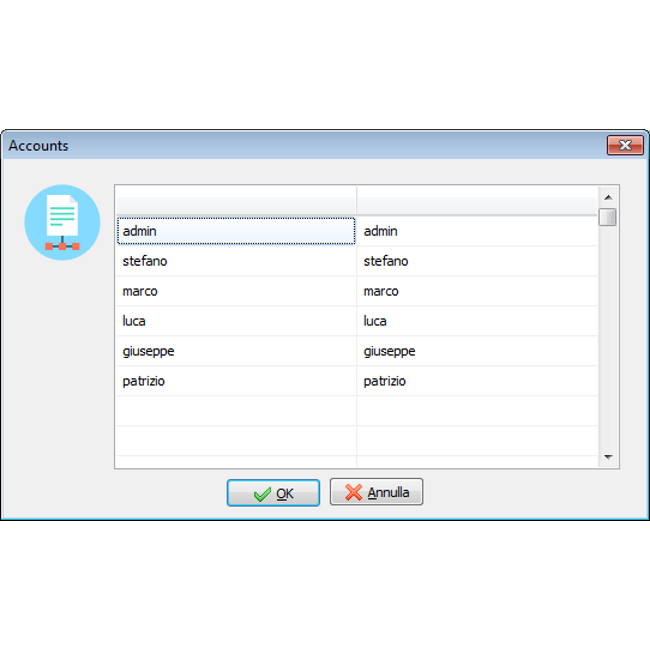
User Access Management. Administration.
Administrator can manage cloud accounts.
Authorizing or limiting user access.
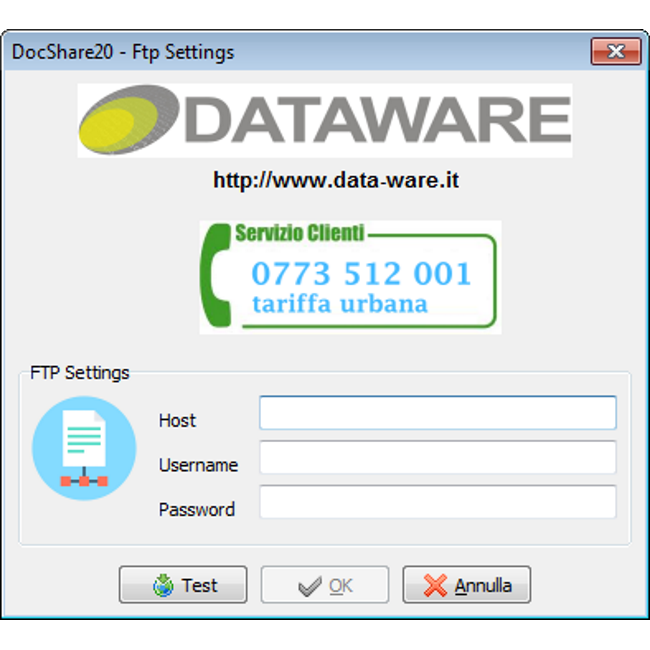
Configuration. Connecting to Document Server.
With fewer parameters, you can configure your FTP / SECURE folder for document management.
The parameters to use are those of your FTP / SECURE service.