



DATAWARE QUESTIONARY CLOUD
Kiosk + Cloud App + QR Code + Remote Dashboard
Questionary Cloud is the DATA WARE solution for multi-business customer experience:
touch kiosks on site and a unified cloud console for questionnaires, branding, database and statistics.
It fits airports, stores, restaurants, factories, public offices, company halls, swimming pools,
condominiums, cinemas, stadiums and many other environments.
The kiosk connects to the DATA WARE cloud platform: content and branding can be published remotely,
answers flow into the central database, and management has always up-to-date dashboards.


DATAWARE QUESTIONARY CLOUD FEATURES
Overview. What the solution does.
A network of kiosks and questionnaires managed from the cloud, with four key points:
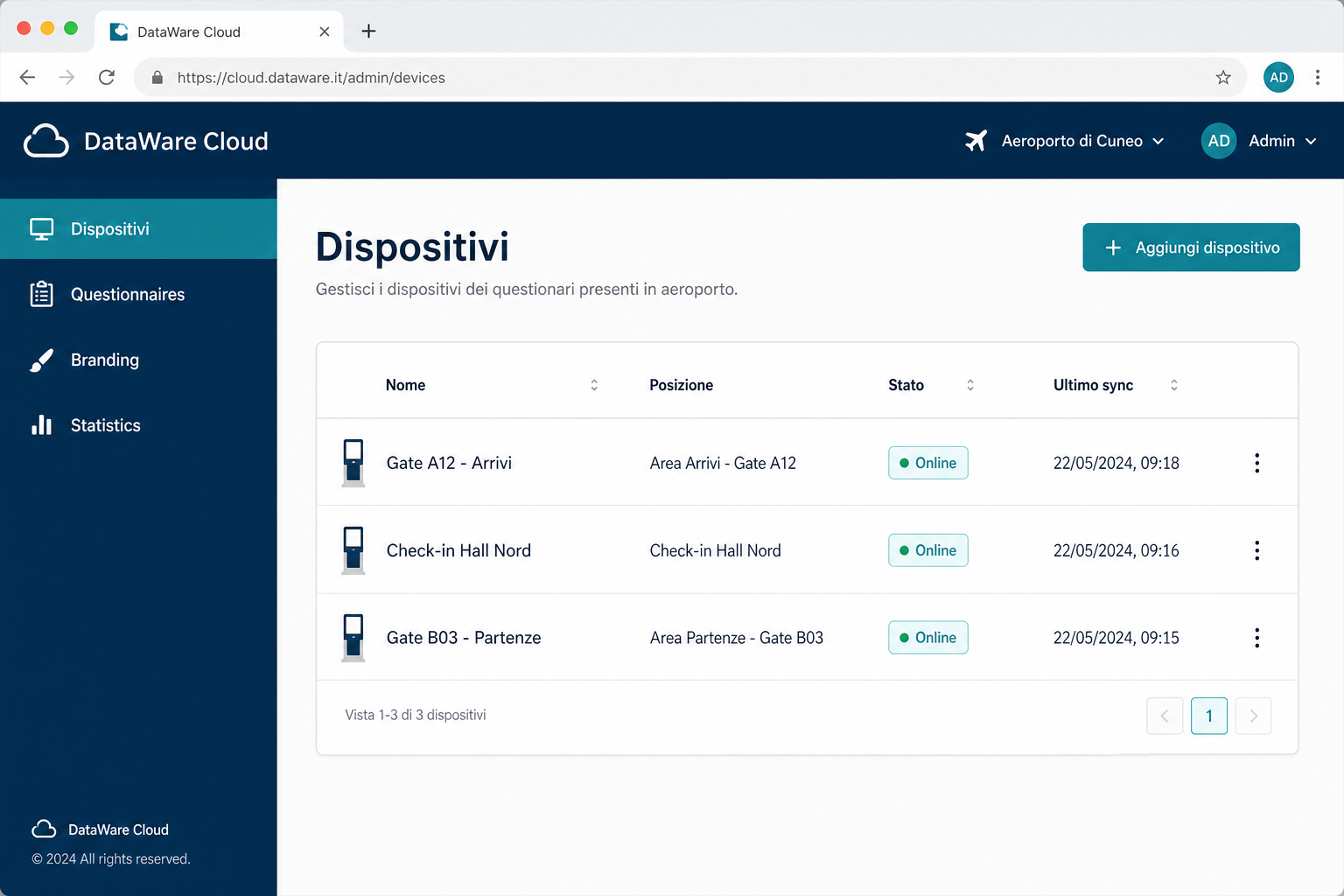
• Remote questionnaire — edit questions and answers from the cloud and publish to all kiosks (name + location).
• Remote logo & background — update branding on all devices with no on-site intervention.
• Remote DB storage — every session is saved automatically, with timing per question.
• Cloud statistics — averages, trends and comparisons by device/location for management.
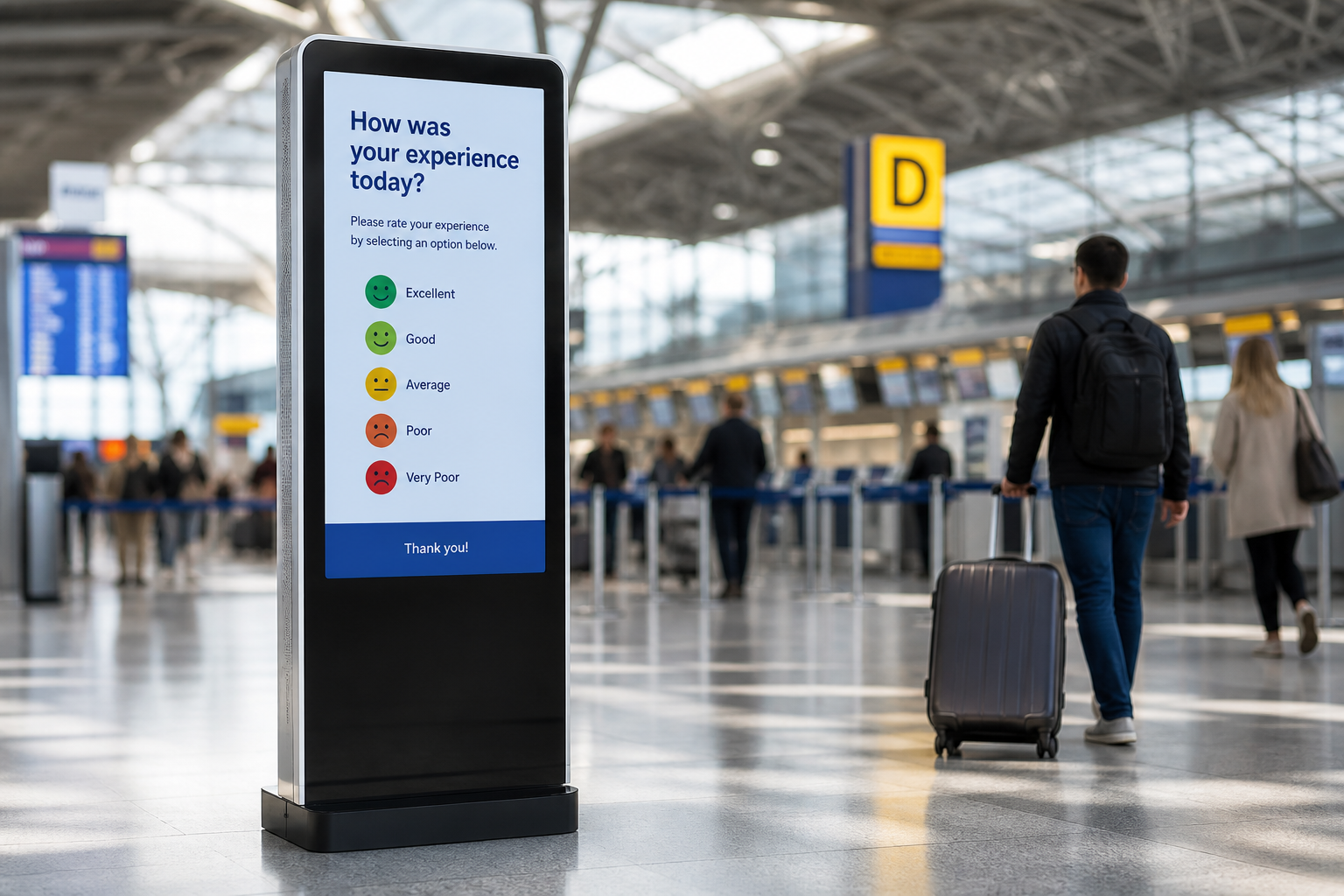
QR Code. Questionnaire on smartphone too.
Each questionnaire published in the cloud has a unique QR Code.
Customers scan it with their phone and fill in the same questionnaire from a mobile browser — no app to install.
• 1 questionnaire = 1 dedicated QR Code
• Touch-friendly browser completion
• Same database and dashboards for kiosk and QR
• Print on posters, desk stickers, digital signage or share digitally
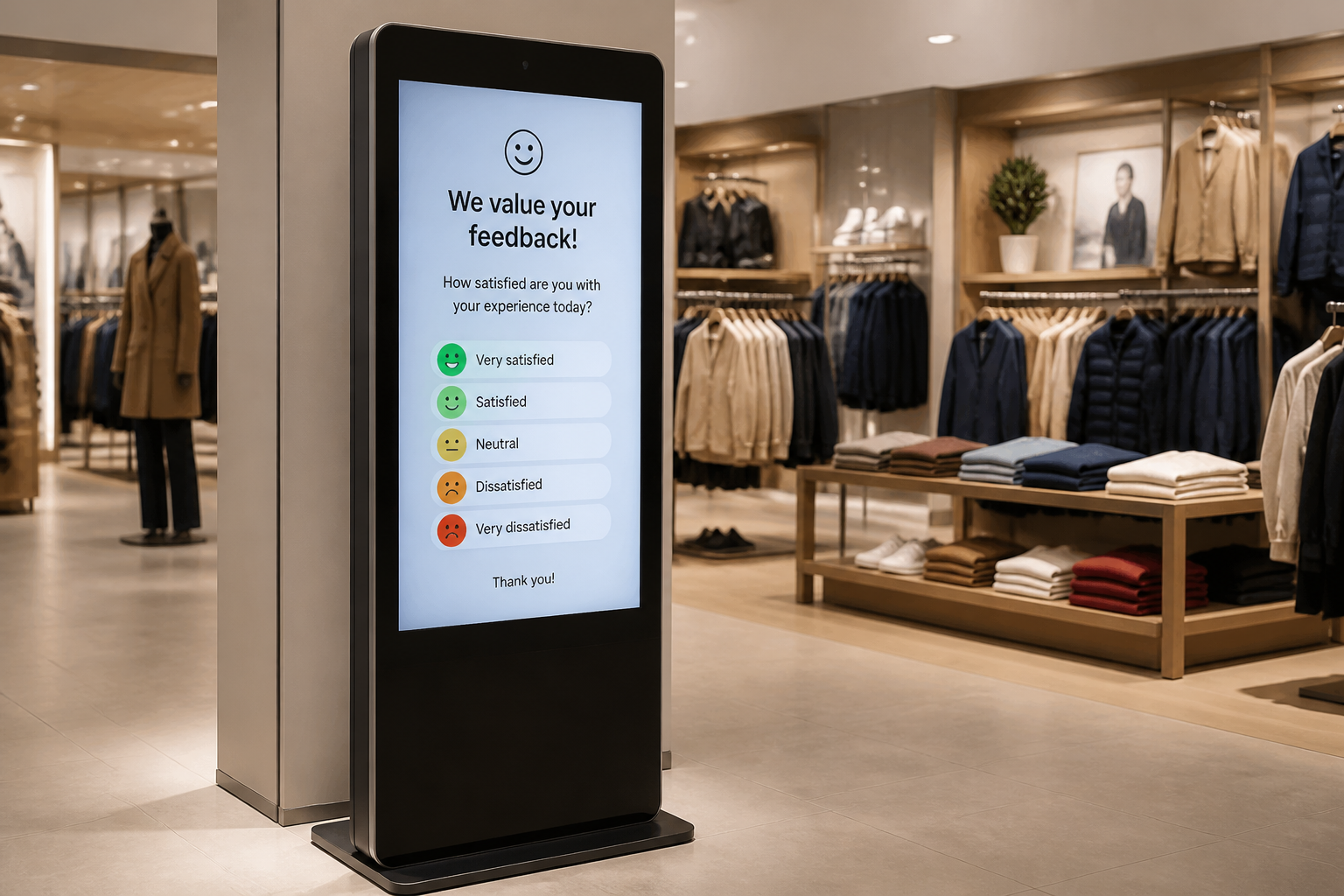
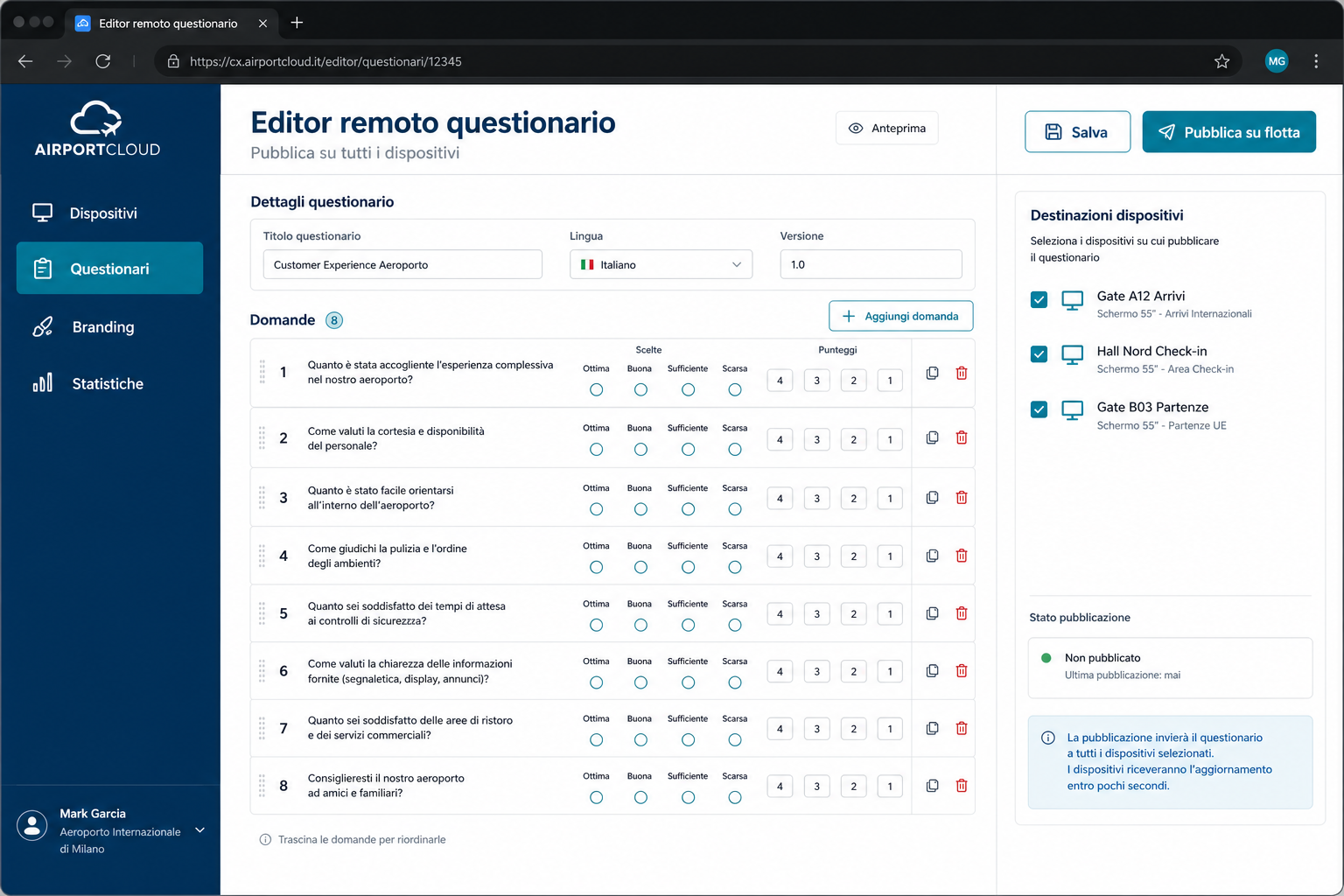
Remote editor. One change, all devices.
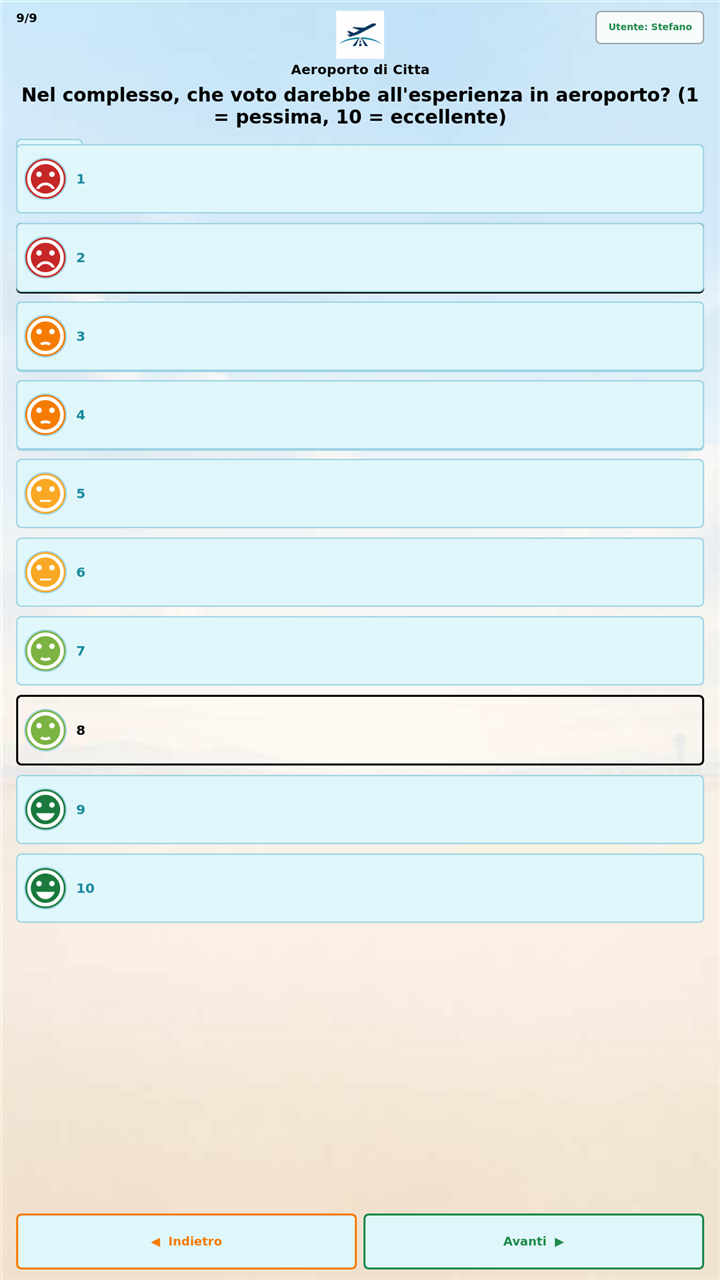
From the cloud console operators create and update questionnaires (texts, choices, scores, 1–10 scales)
and publish them to all devices or to a subset filtered by operational location.
No physical access to the kiosks is required.
Each device is registered with name and position. Draft → preview → publish workflow included.
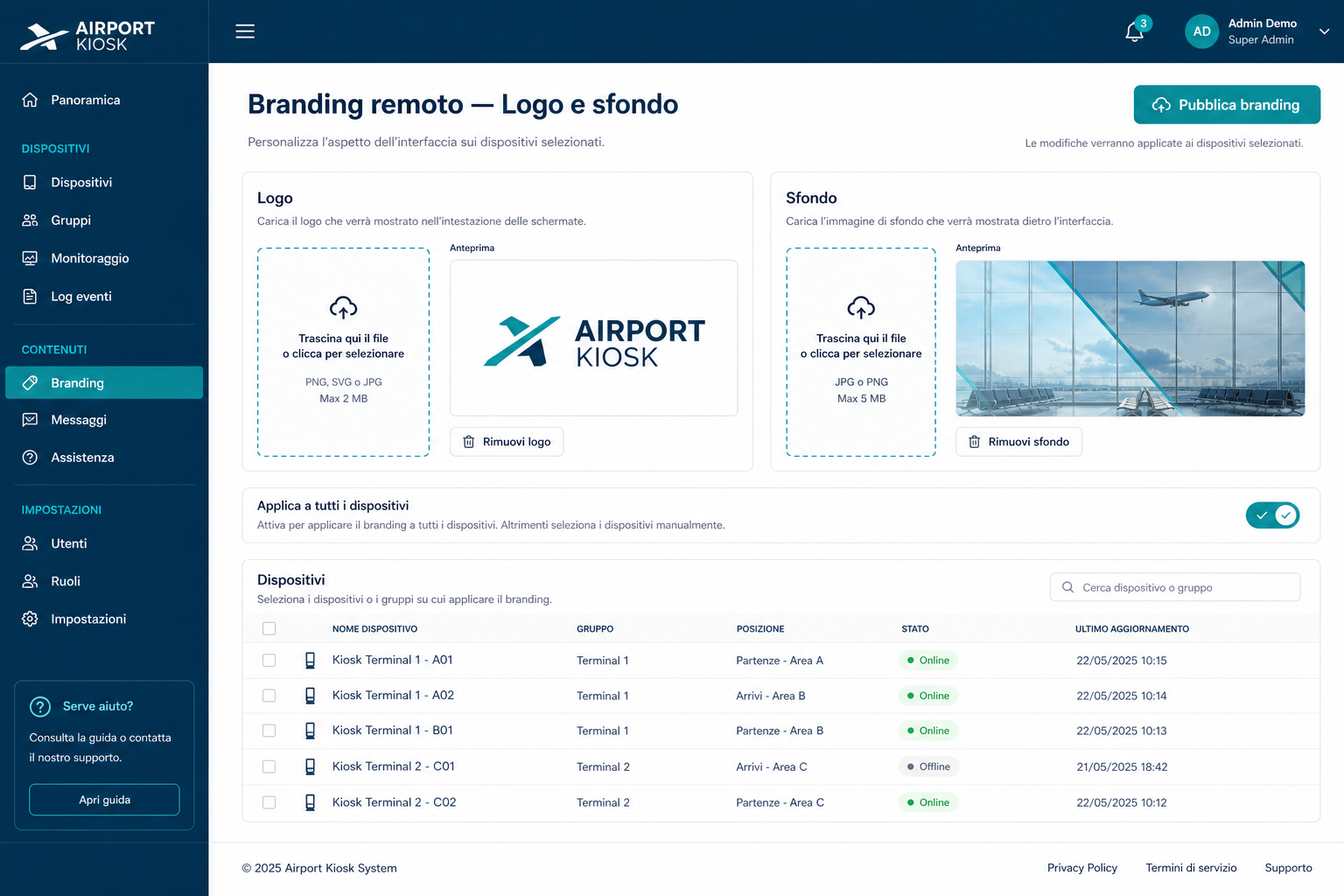
Remote branding. Logo and background from the cloud.
Beyond the questionnaire, kiosk logo and background are updated remotely and applied to all devices (or selected ones only), keeping the customer brand consistent.
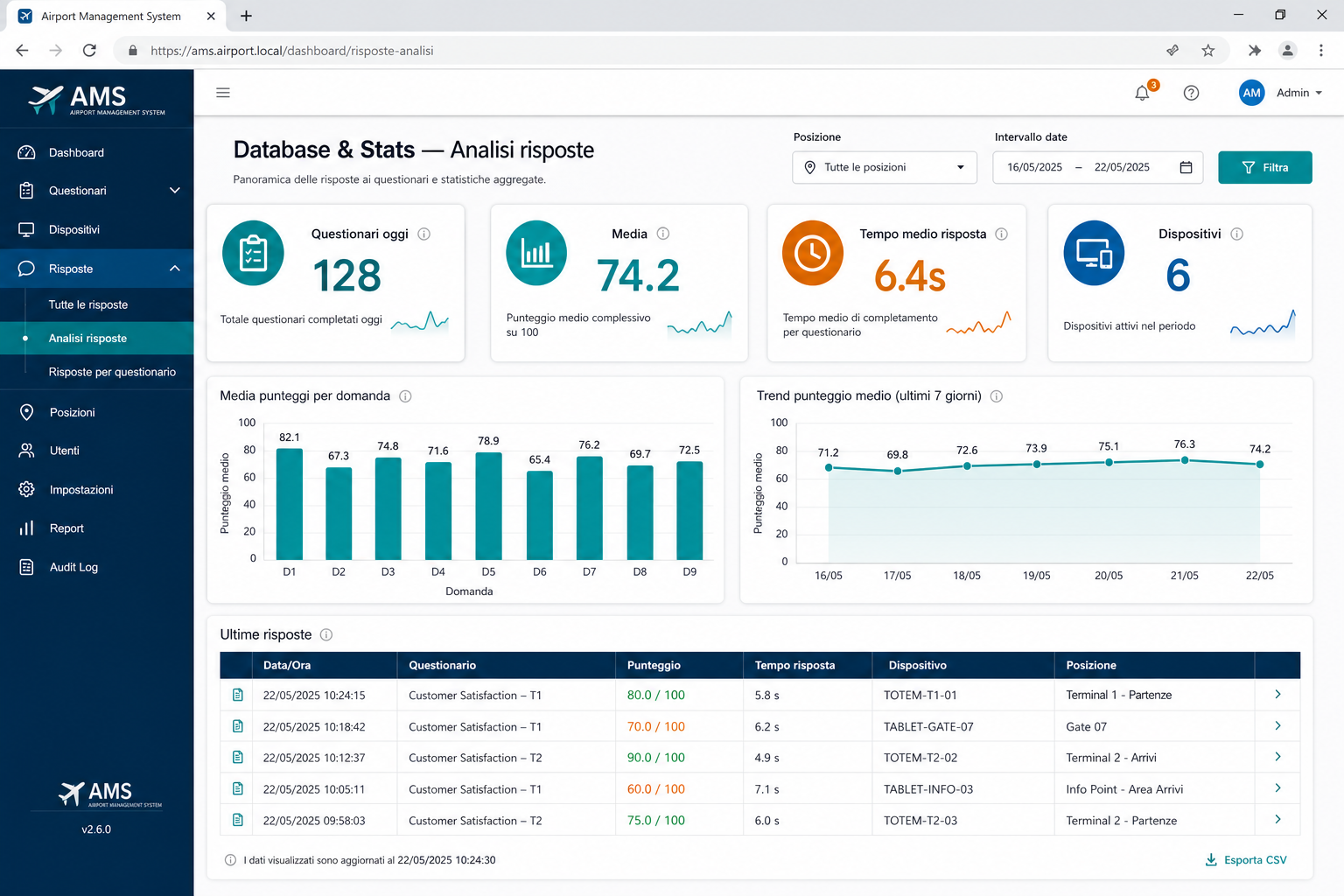
Database & Statistics. Analytics for management.
At the end of every kiosk session, answers are saved automatically to the remote database.
Start time, end time and duration are stored per question.
• Centralized session history
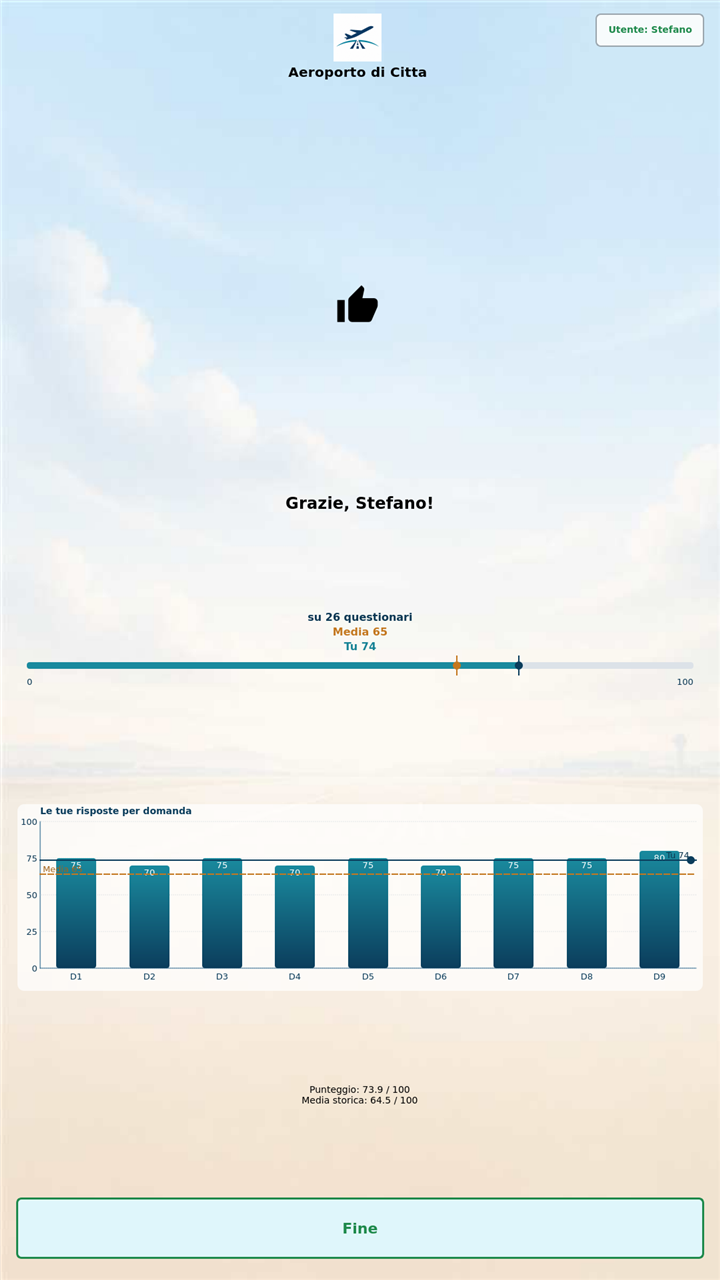
• KPIs: daily questionnaires, score average, average time, active devices
• Filters by operational area
• Trends over time to measure improvement actions
End-to-end flow. From kiosk to management.
1. Configure — questionnaire and branding from the cloud app, with preview before release.
2. Publish — deploy to devices identified by name and location.
3. Collect — the kiosk automatically saves every completed session to the remote DB.
4. Analyze — management reviews KPIs, trends and comparisons in the cloud app.
Kiosk screens. Full-screen touch experience.
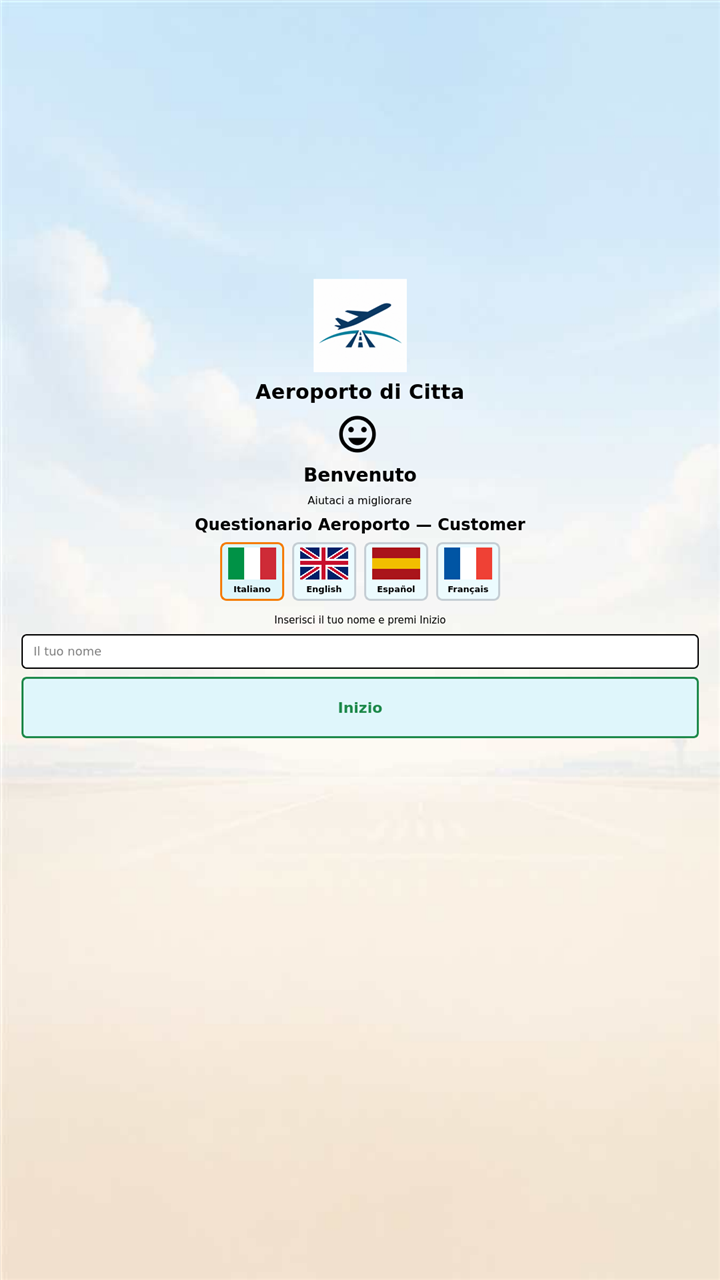
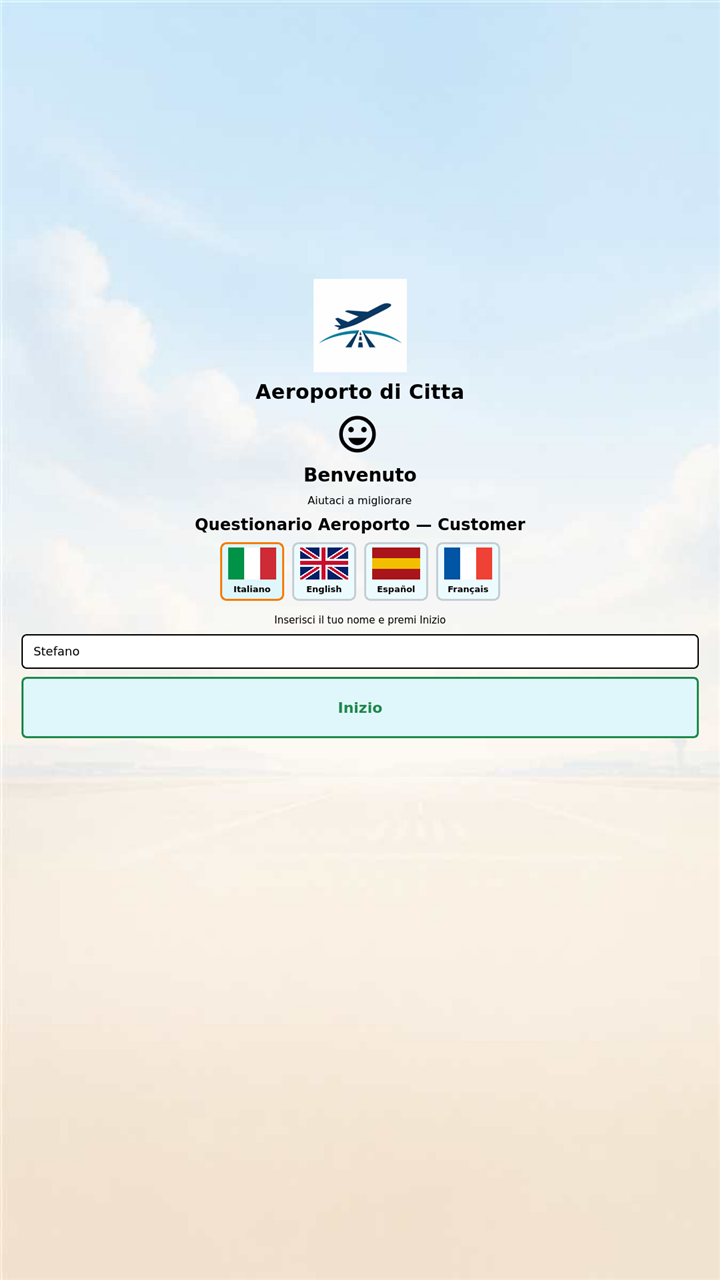
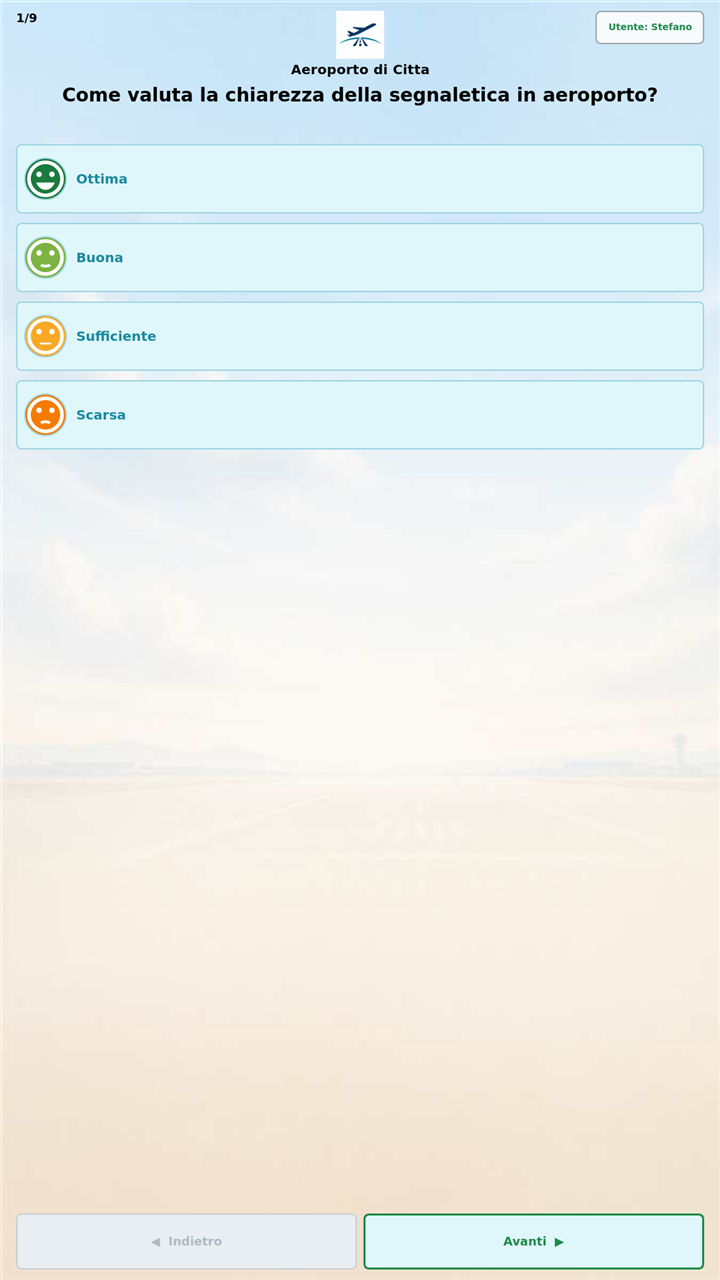
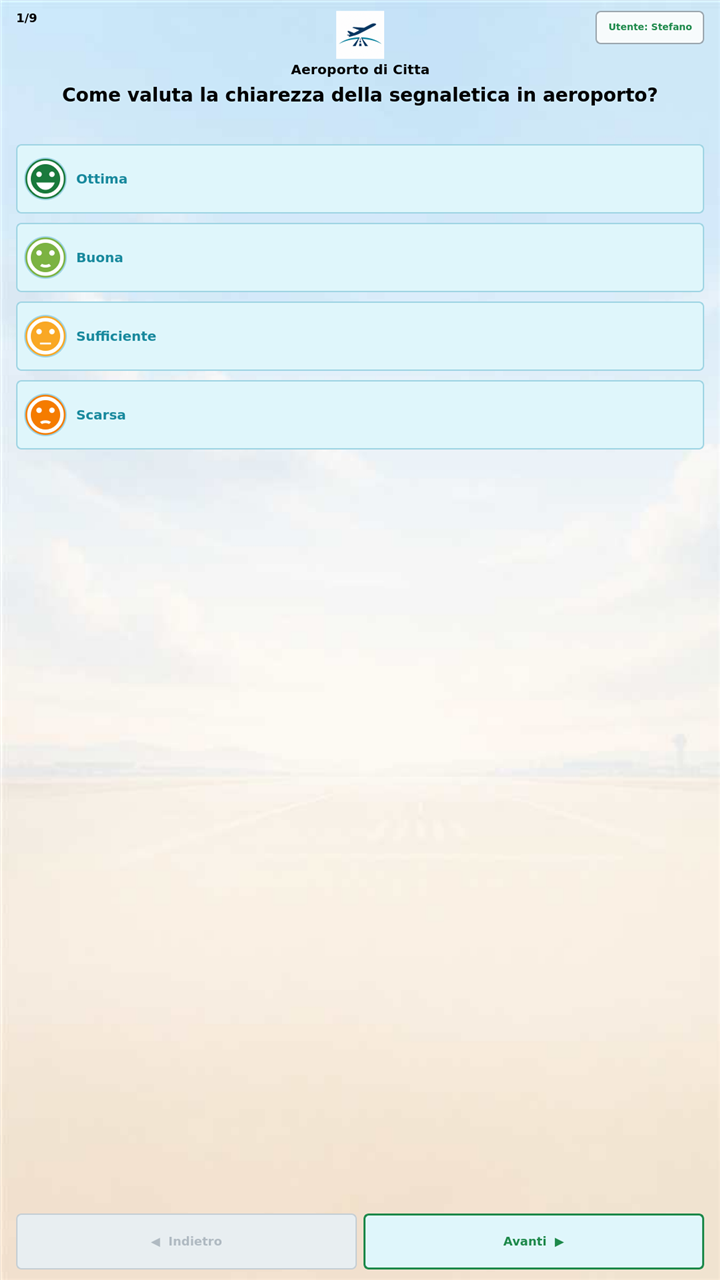
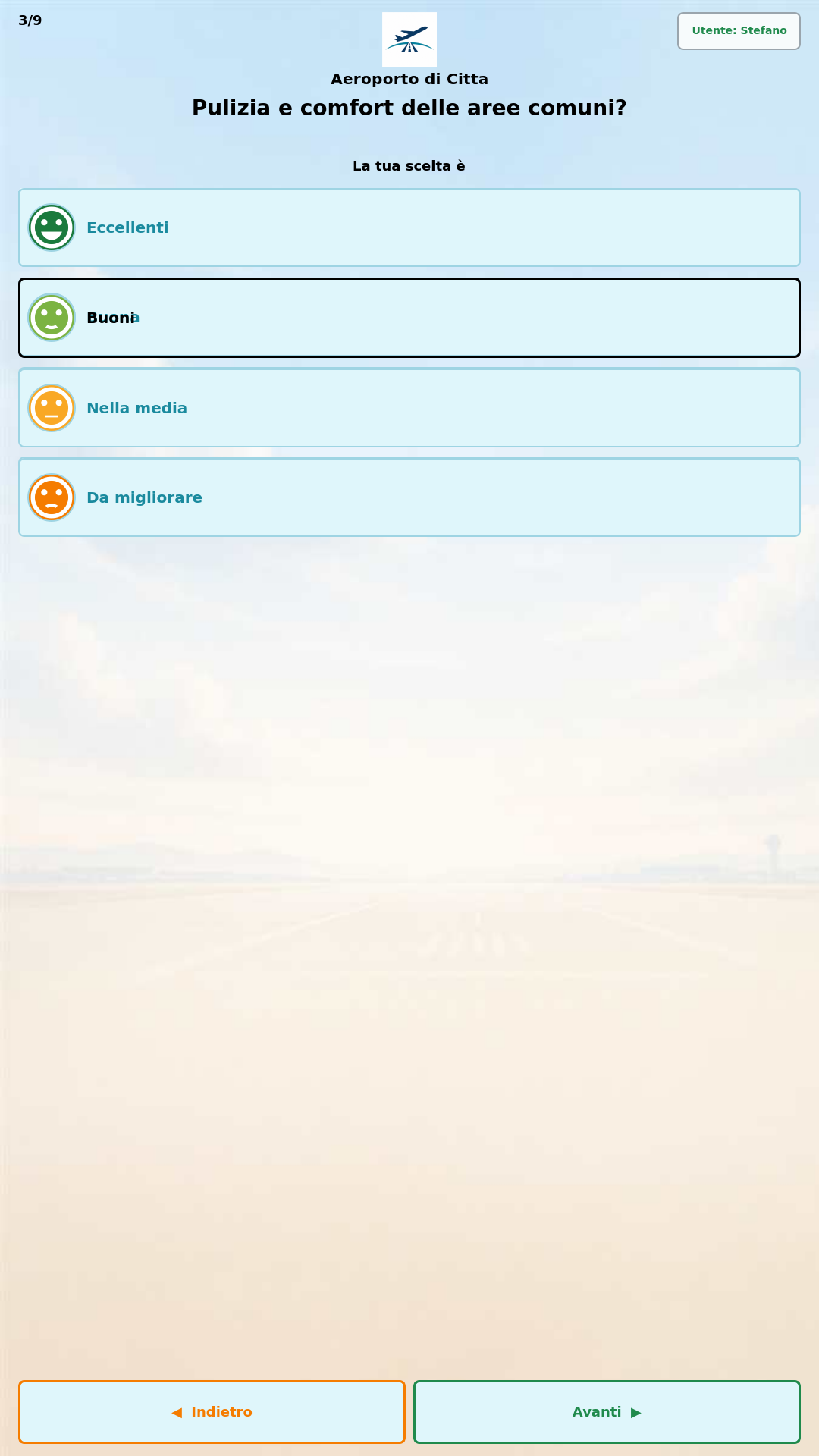
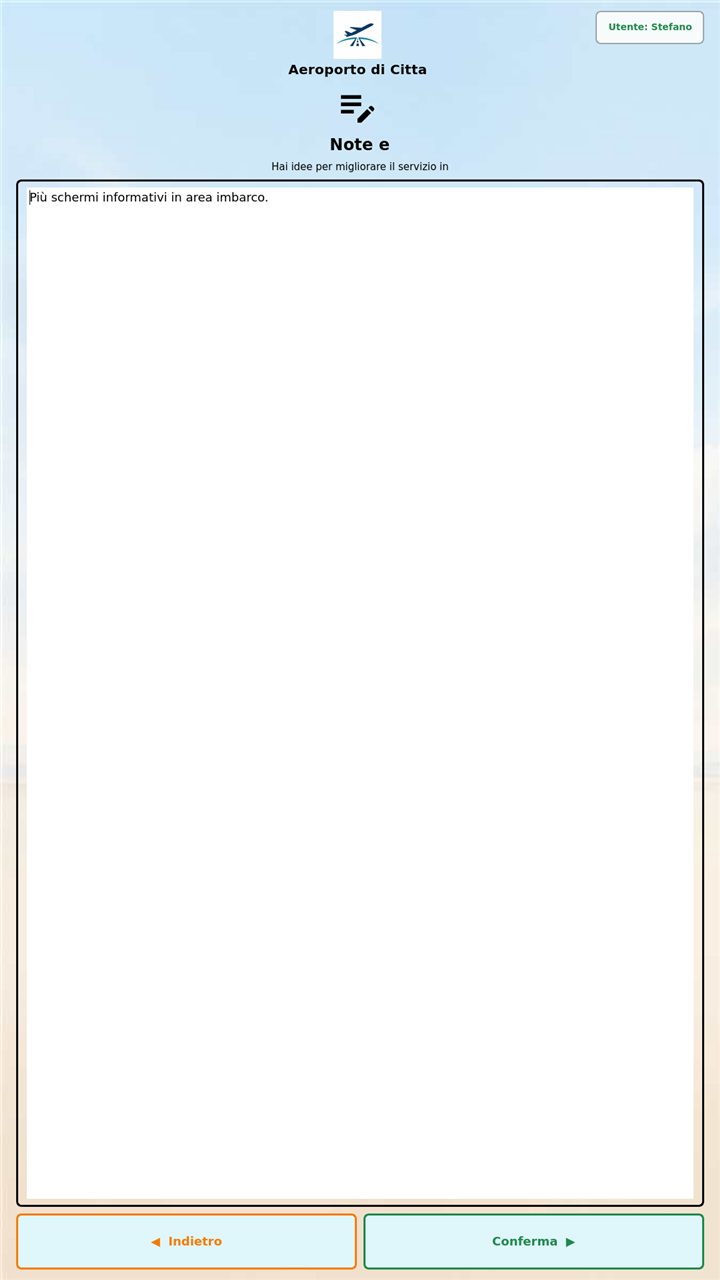
On power-up only the kiosk starts: welcome and language, identification, touch questions, 1–10 scales, optional notes and results summary.
Installation examples. Kiosks in multi-business contexts.
Questionary kiosks fit into operational spaces without a desktop. HDMI display, touch or mouse, Wi‑Fi/Ethernet and cloud publishing of questionnaire and branding.
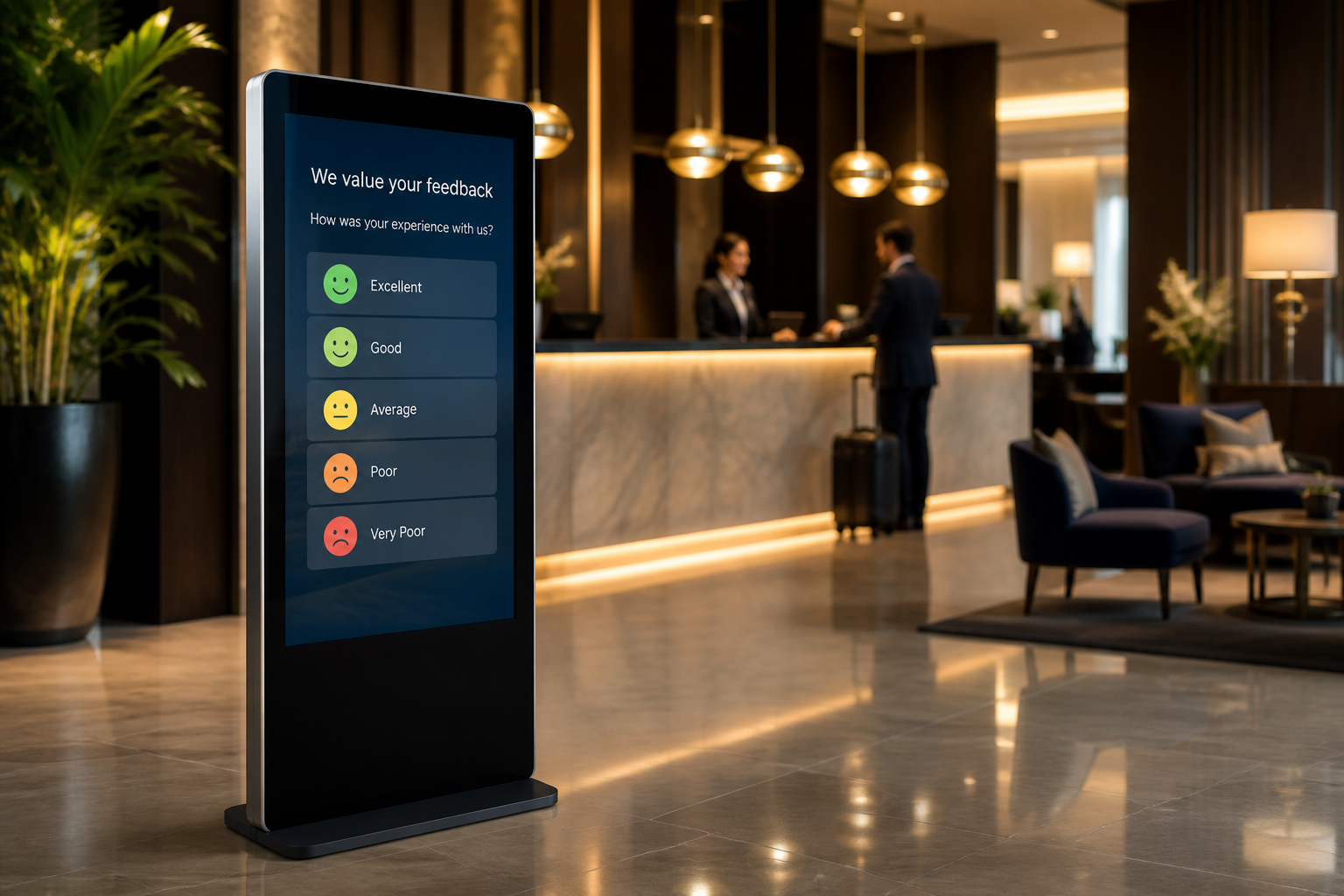
Hotel — lobby / reception
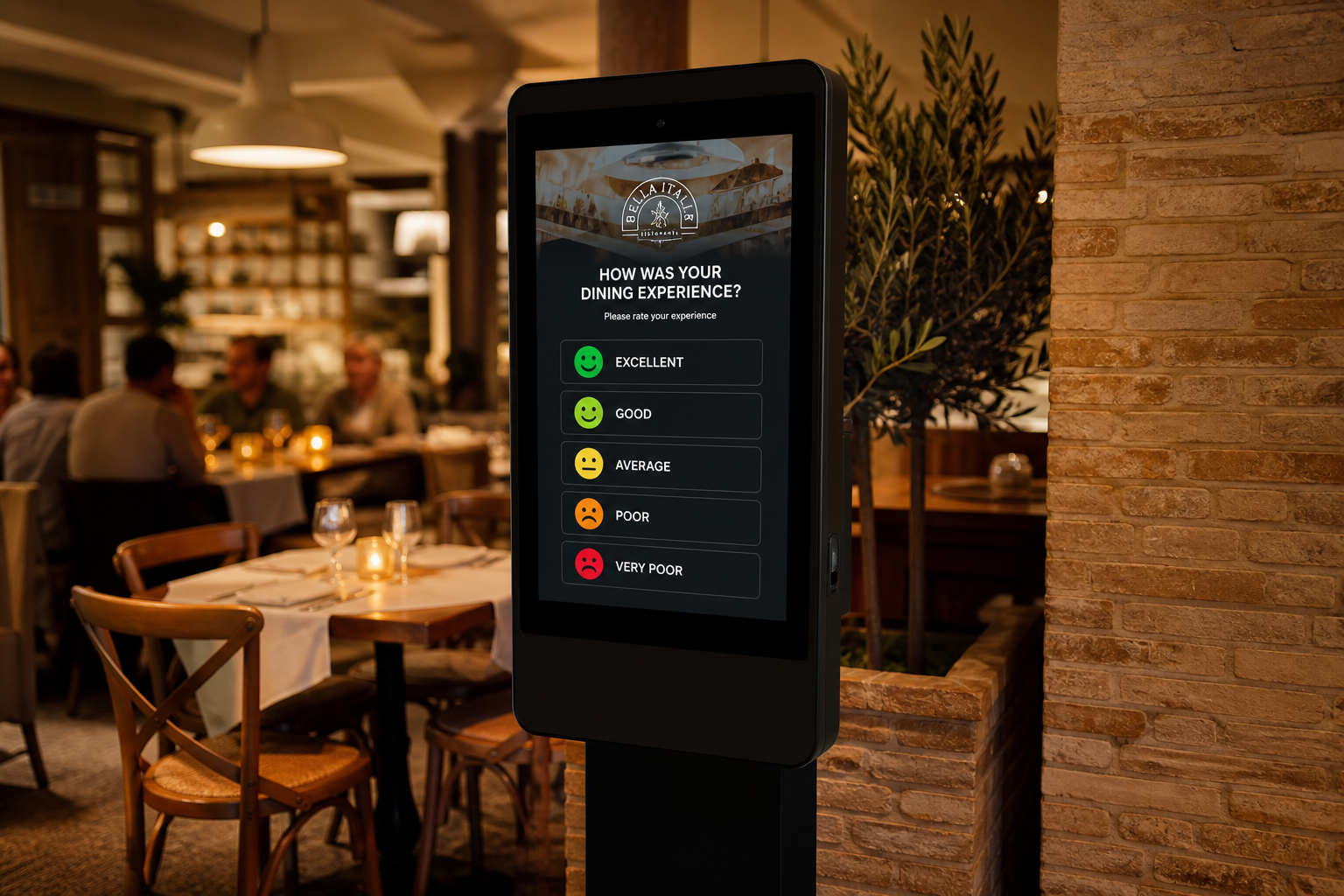
Restaurant — dining room / checkout
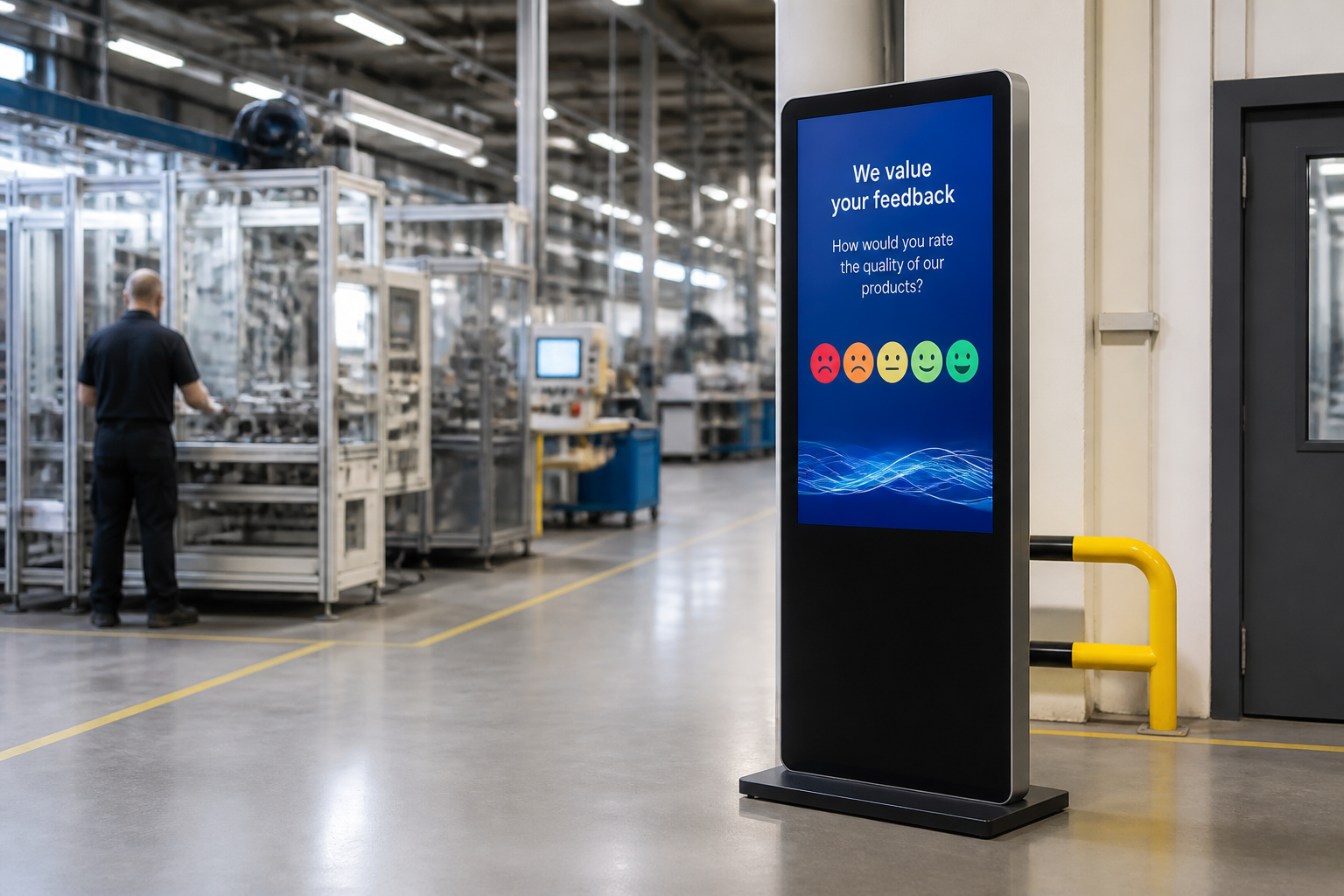
Factory — department / line
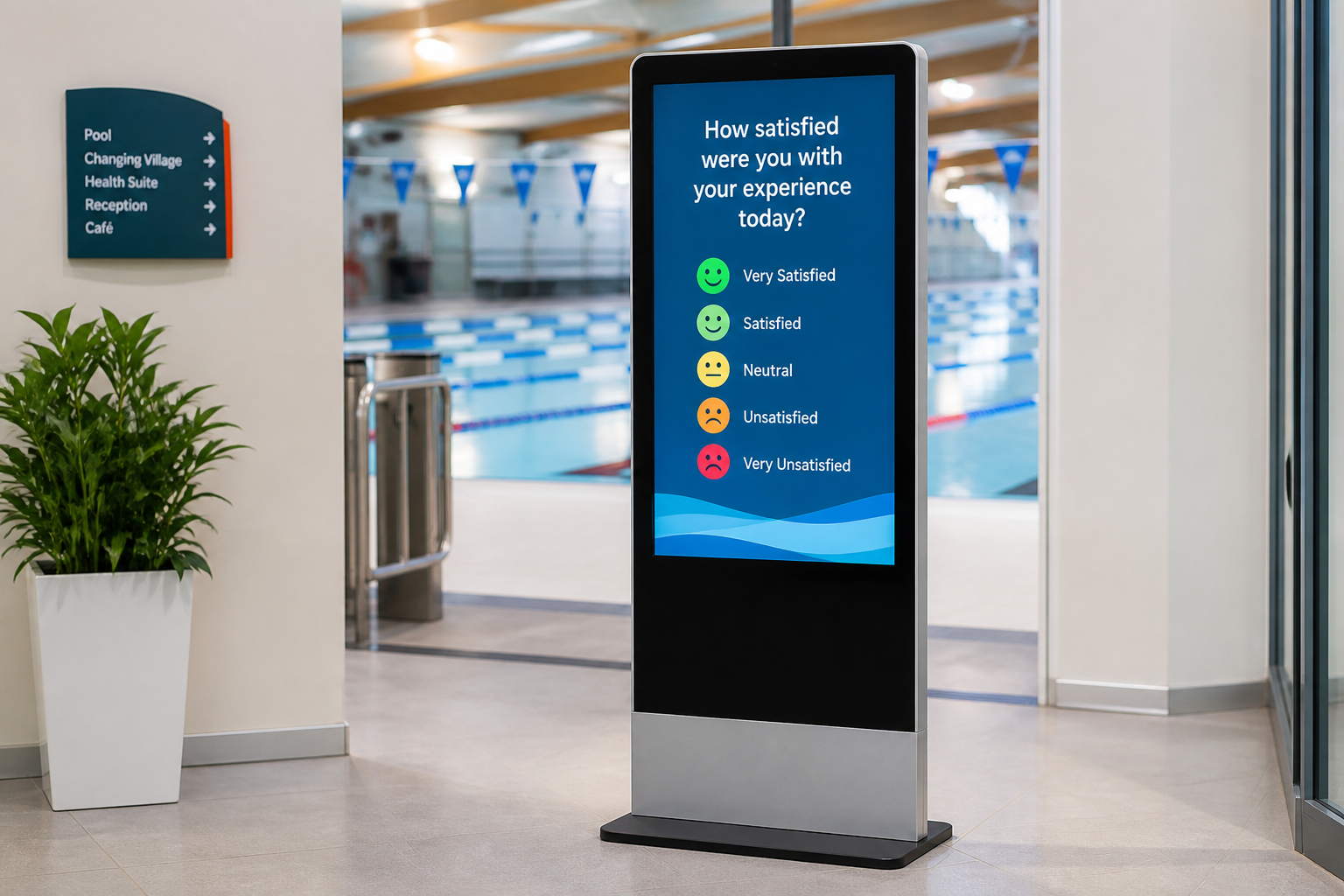
Swimming pool — entrance / lockers
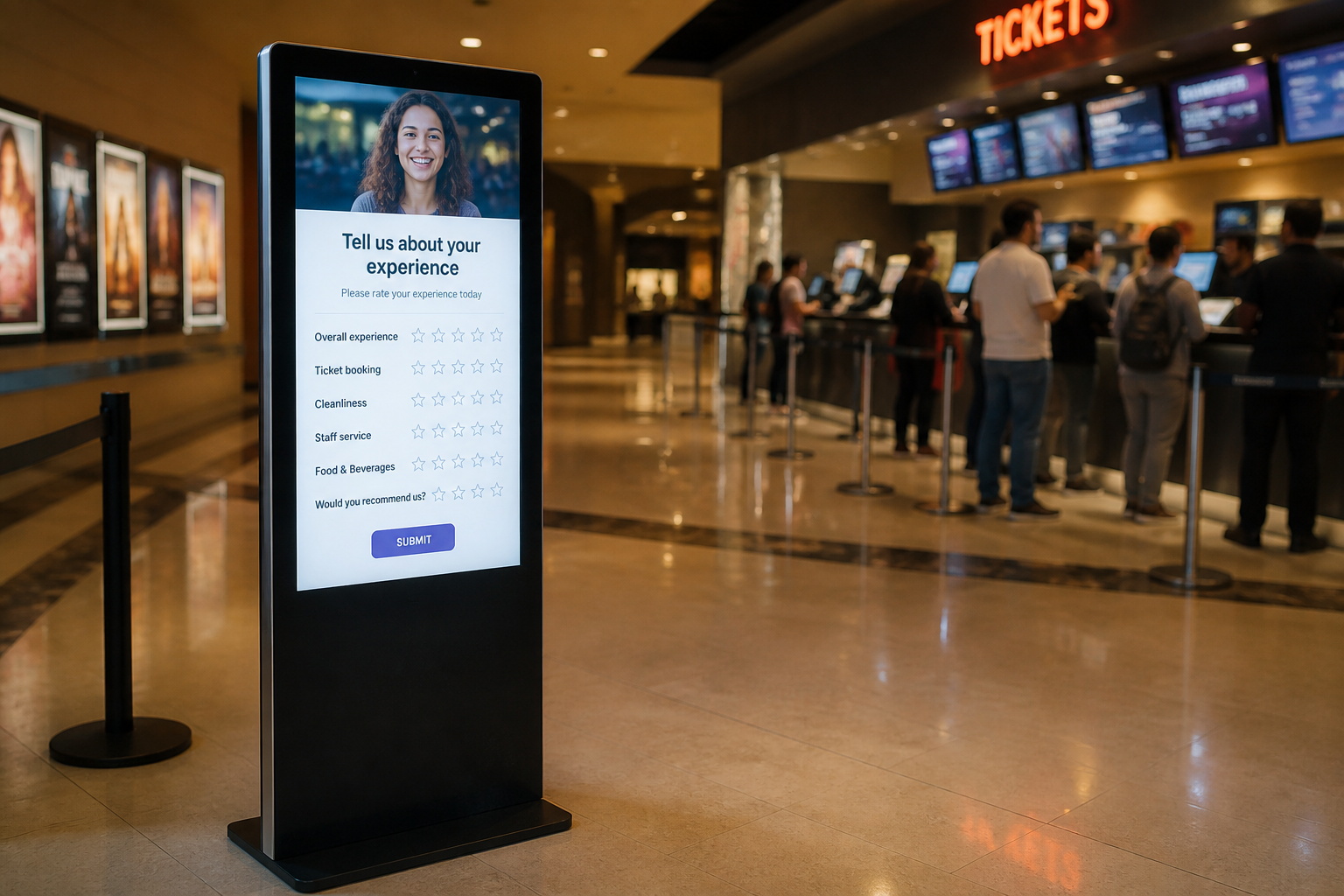
Cinema — foyer / ticket office
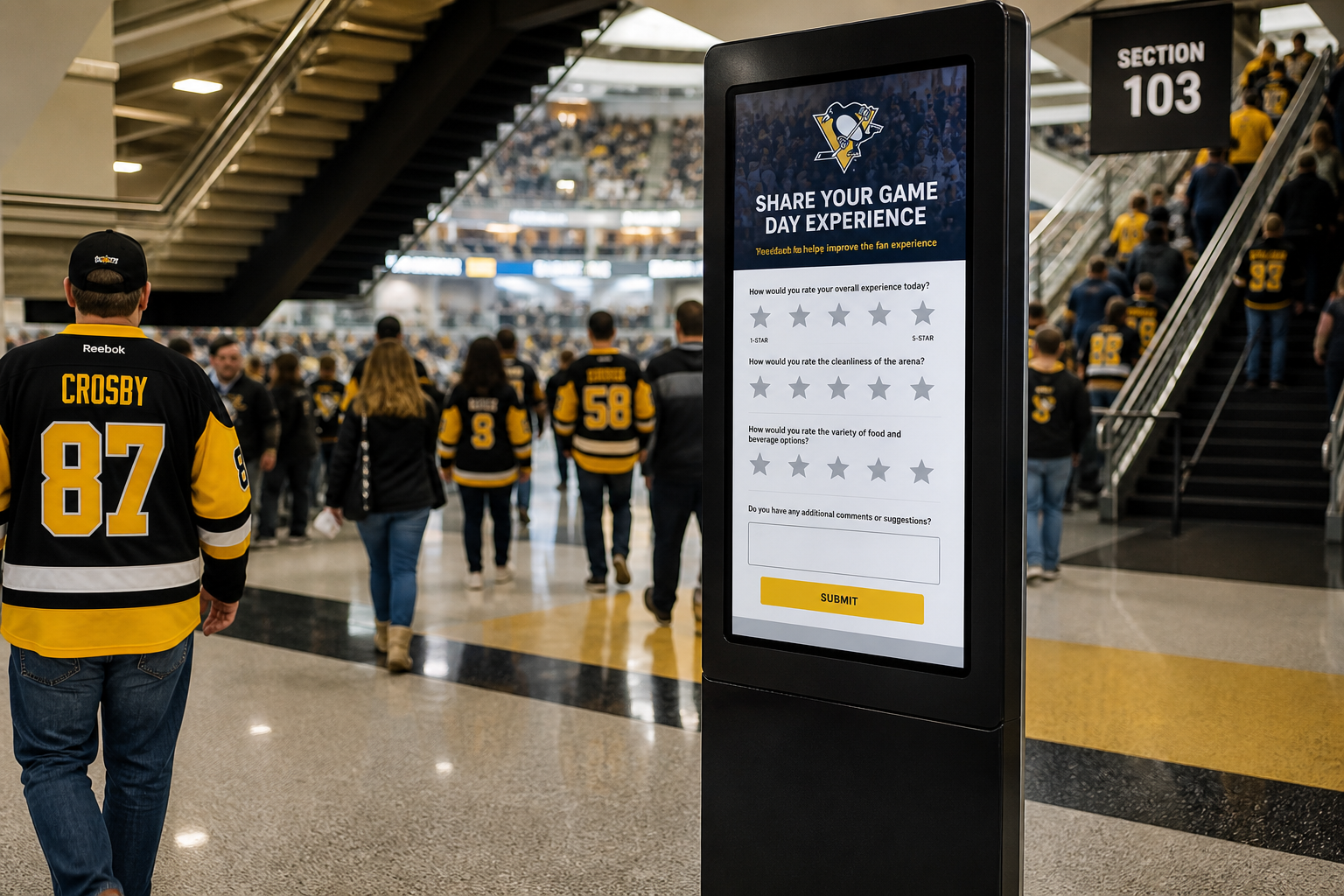
Stadium — concourse / entrances
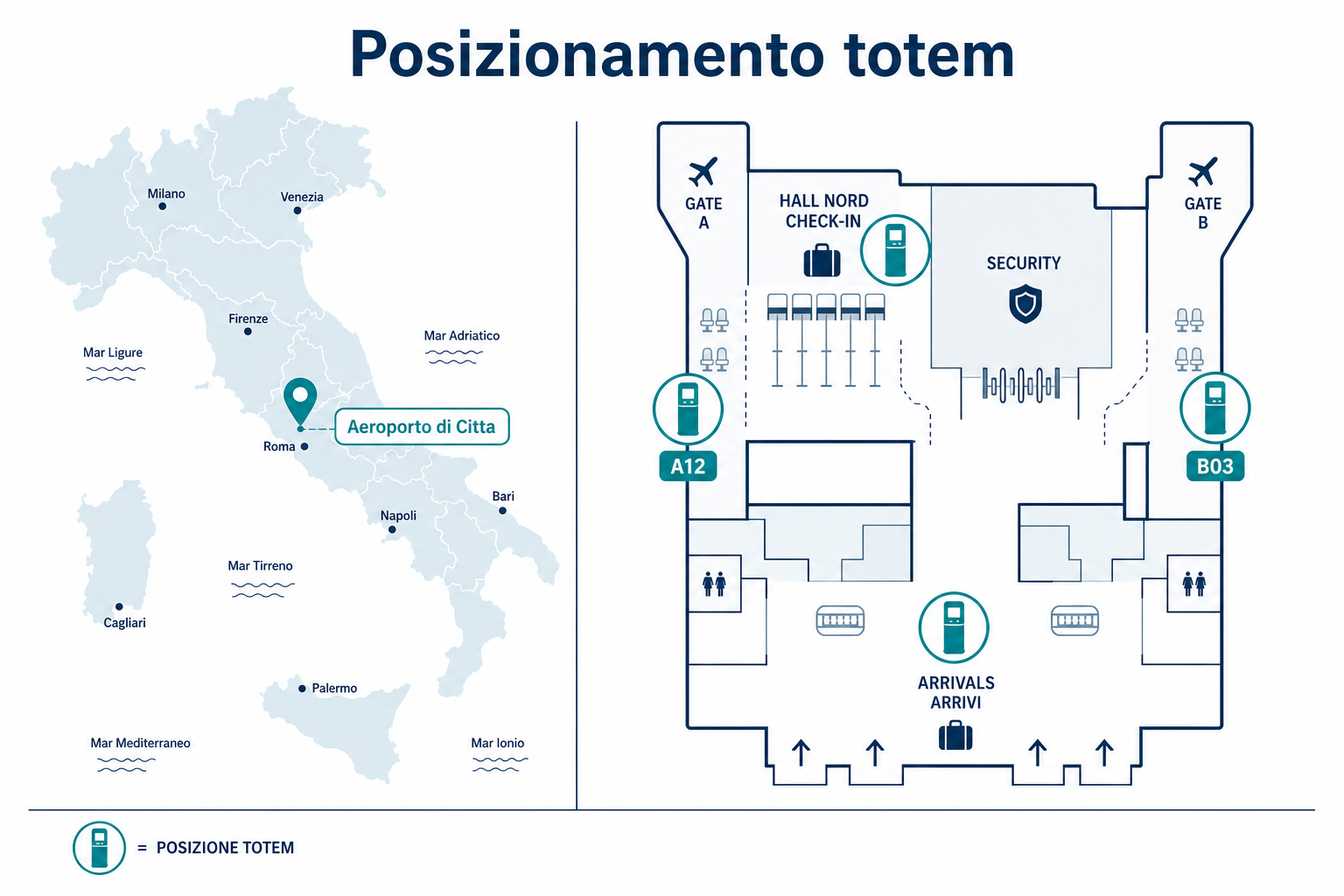
Positioning. Geographic and indoor layout.
Geographically, the solution manages distributed sites from a single cloud console.
Indoors, kiosks are placed at high-flow decision points: check-in/gate, production line, desk, hall.
Each kiosk has a nominal position used for analytics filters and targeted publishing.
Safety support. Beyond the questionnaire.
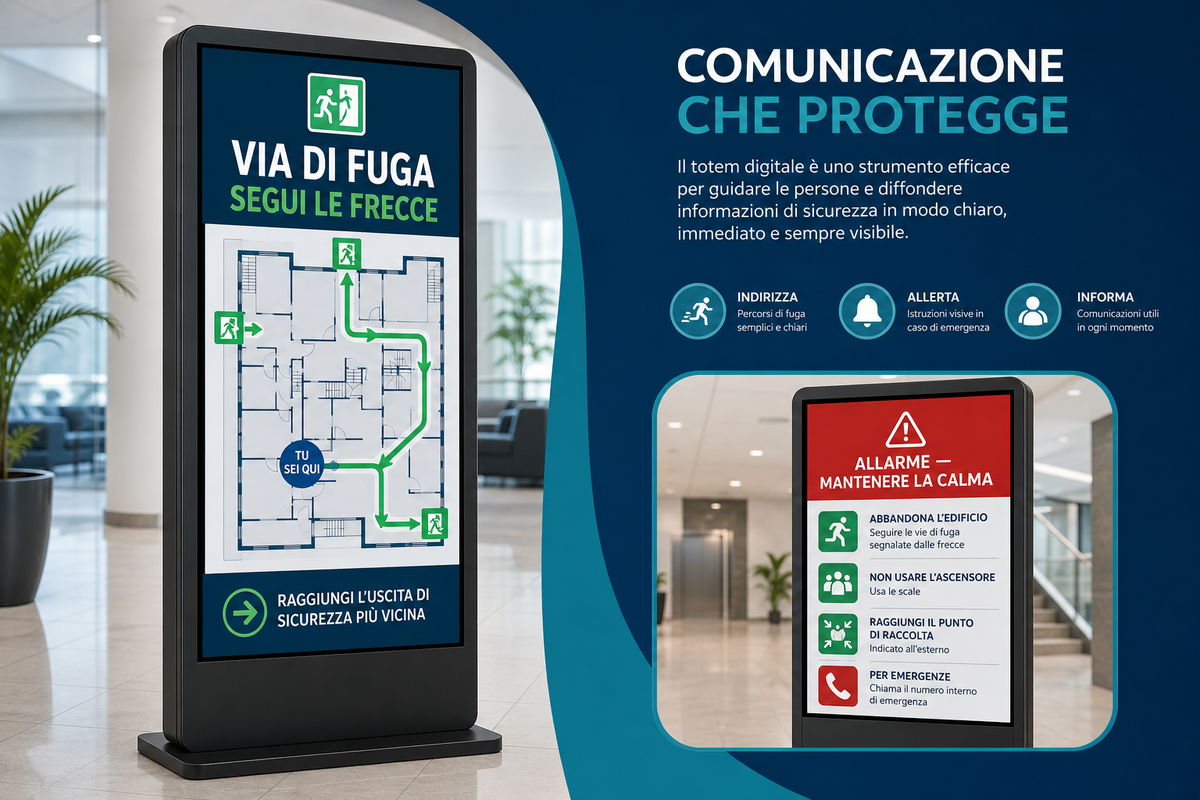
In case of alarm the kiosk can become a channel for instructions, maps and on-site data collection:
• Emergency instructions and escape routes
• Maps and paths updatable from the cloud
• Integration with environmental or presence sensors
• Photos of the area in front of the kiosk
Contact us. Demo with no obligation.
For Questionary kiosk demos, device sizing at operational sites or cloud console activation
(questionnaire editor, remote branding, answer database and management dashboards),
the DATA WARE team is available.
Specific requirements? We can customize the solution.
Already have devices? We can adapt the solution to your hardware.